iOS / iPadOS
1.0.6 ↗Available on the App Store
LIMITED-TIME EVENT

epolarYour digital instant camera.
CELEBRATING OUR LAUNCH
Nearly 100 member frames. Free for a little while.
Handwritten signatures are included in the free event, too.
(UTC+8)
Regular access rules resume after the event. Saved creations are yours to keep. Signature cloud sync is not included. Ends Nov 7 at 00:00, UTC+8.
A LITTLE CAMERA. A LITTLE KEEPSAKE.
Film-inspired colors. Tactile paper frames.
And a handwritten touch that's yours.
Shoot something new or revisit a favorite photo. Add film-inspired color, a paper frame and your own handwritten mark.
Turn your photos into a little world.Create in your browser. Your photos stay on your device.
Start creatingAvailable on the App Store
MyApp · vivo · OPPO · Official download
More devices, more possibilities.
01 / CAPTURE THE MOMENT
Keep shooting, blend two scenes, or hold on to a little movement.
Tap a mode below and see what else a photo can be.
Keep shooting. Save a sequence of moments you love.
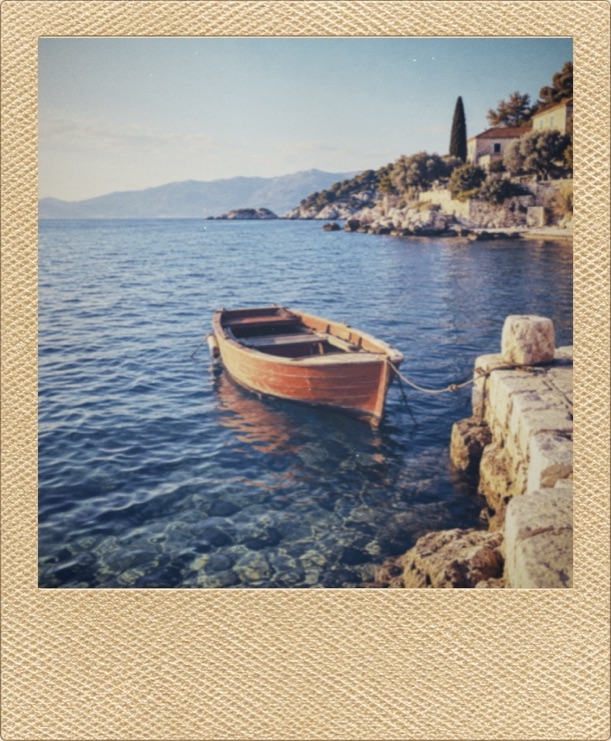


02 / PICK YOUR PAPER
Solid colors, playful borders, rich textures and themed collections.
A box of paper sets the mood for today's photos.
Change the capacity in camera settings. It applies when you load a new box or switch papers.


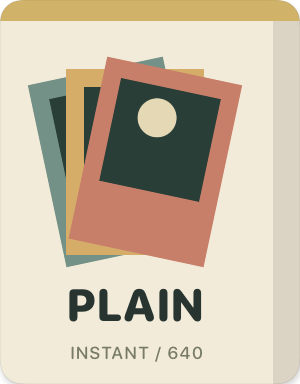
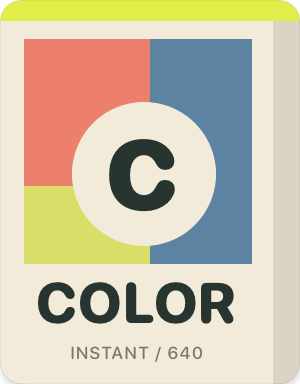
A few favorites. Explore the full paper library in the app.
03 / MAKE YOUR MARK
Sign your name. Write a line. Add a little doodle.
Let your handwriting turn a photo into something unmistakably yours.
epolar Pro
Papers you love. A mark that's yours.
More room to create,
for the moments worth keeping.
Unlock all currently available member frames. Find the right color and texture for each photo.
Create, edit and add handwritten signatures. A name, a date or a small doodle makes every photo your own.
Sign in to the same Pro account and enable signature cloud sync to use your signatures on multiple devices within the same platform.
Sync within the same platform · Off by defaultExplore epolar Pro in your in-app profile. Features and prices are shown in the app.
Shoot and save with Classic White and Matte Black for free. Import photos, adjust colors and composition, and save single or batch edits with free frames. No sign-in needed.